

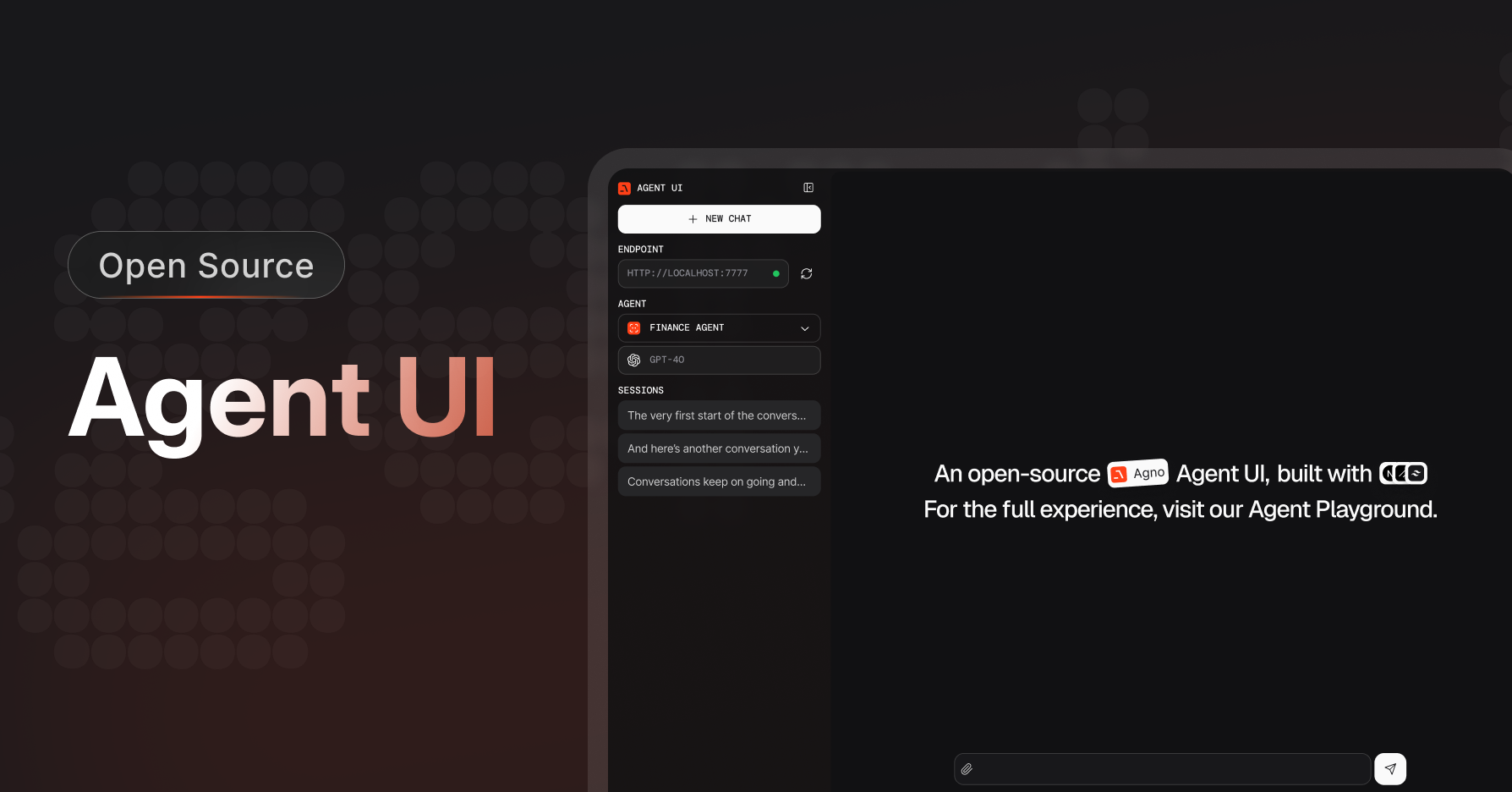
No data is sent to agno.com, all agent data is stored locally in your sqlite database.
Get Started with Agent UI
To clone the Agent UI, run the following command in your terminal:y to create a new project, install dependencies, then run the agent-ui using:
Clone the repository manually
Clone the repository manually
You can also clone the repository manuallyAnd run the agent-ui using
Connect to Local Agents
The Agent UI needs to connect to a playground server, which you can run locally or on any cloud provider. Let’s start with a local playground server. Create a fileplayground.py
playground.py
1
Setup your virtual environment
2
Install dependencies
3
Export your OpenAI key
4
Run the Playground
View the playground
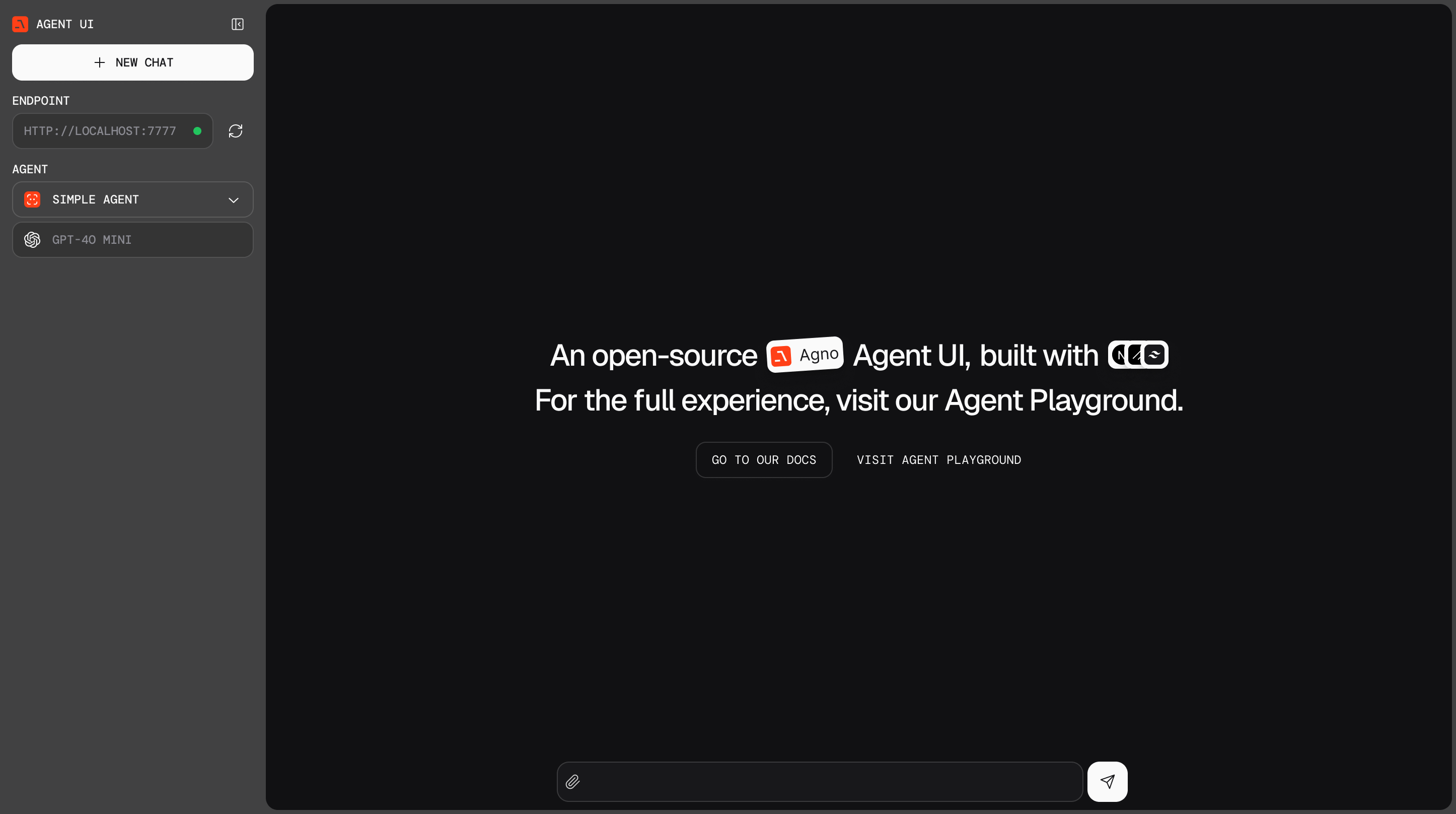
- Open http://localhost:3000 to view the Agent UI
- Select the
localhost:7777endpoint and start chatting with your agents!