

Example usage
1
Install the backend dependencies
2
Run the backend
Now let’s run a
AGUIApp exposing an Agno Agent. You can use the previous code!3
Run the frontend
You can use Dojo, an advanced and customizable option to use as frontend for AG-UI agents.
- Clone the project:
git clone https://github.com/ag-ui-protocol/ag-ui.git - Follow the instructions here to learn how to install the needed dependencies and run the project.
- Remember to install the dependencies in
/ag-ui/typescript-sdkwithpnpm install, and to build the Agno package in/integrations/agnowithpnpm run build. - You can now run your Dojo! It will show our Agno agent as one of the available options.
4
Chat with your Agno Agent
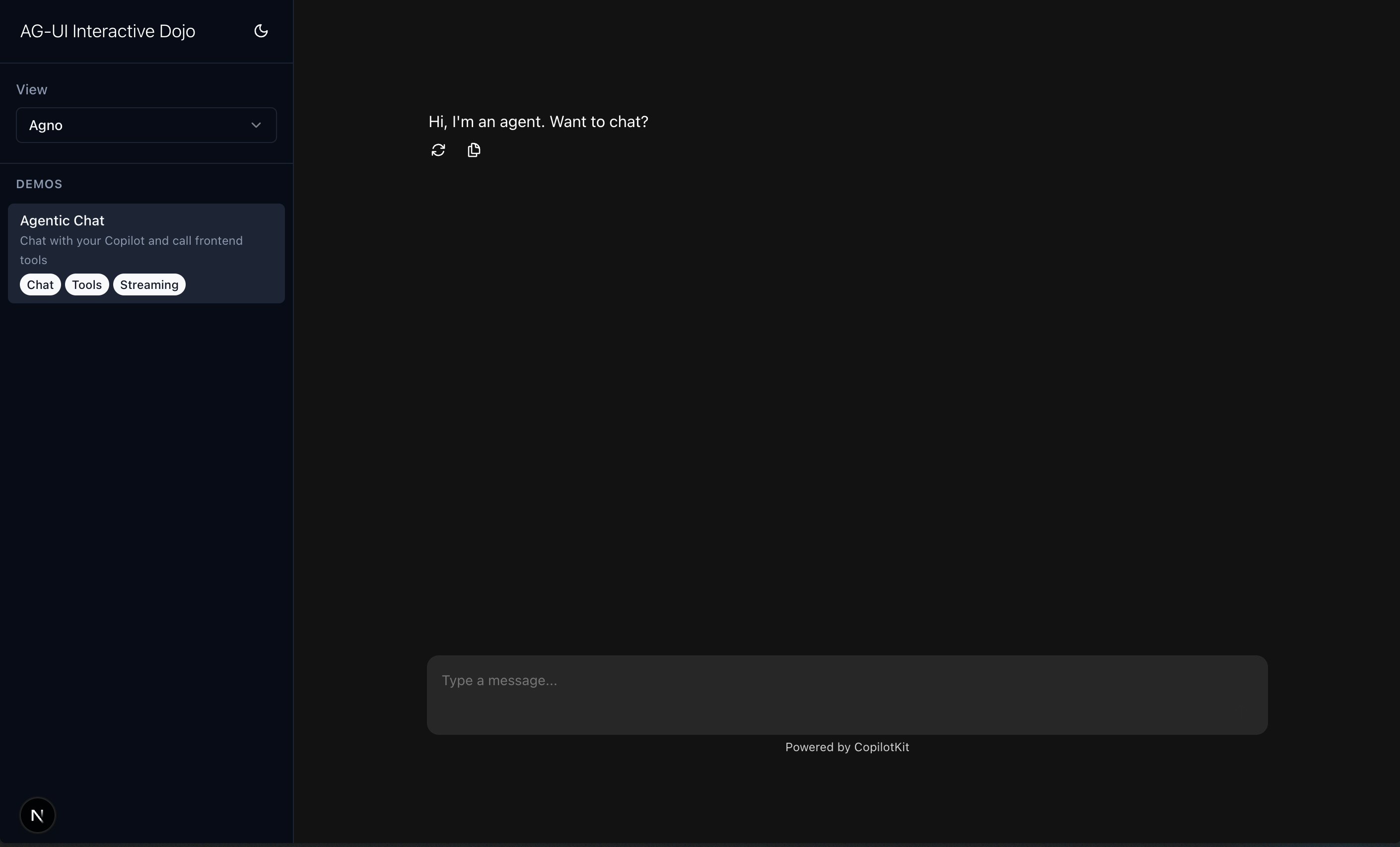
Done! If you are running Dojo as your front-end, you can now go to http://localhost:3000 in your browser and chat with your Agno Agent.
Core Components
AGUIApp: Wraps Agno agents/teams for in a FastAPI app.serve: Serves the FastAPI AG-UI app using Uvicorn.
AGUIApp uses helper functions for routing.
AGUIApp Class
Main entry point for Agno AG-UI apps.
Initialization Parameters
Provide
agent or team, not both.
Key Method
Endpoints
Endpoints are available at the specifiedprefix (default /v1).
1. POST /agui
This is the main entrypoint to interact with your Agno Agent or Team.
It expects a RunAgentInput object (from the ag-ui-protocol package) as defined by the protocol. You can read more about it in their docs.
Serving the Application (serve)
Serves the FastAPI app using Uvicorn.
Parameters
You can check some usage examples in our AG-UI integration examples section.
You can also check the CopilotKit docs on working with Agno, to learn more on how to build the UI side.