

ag auth and you get the error: CLI authentication failed or your CLI gets stuck on
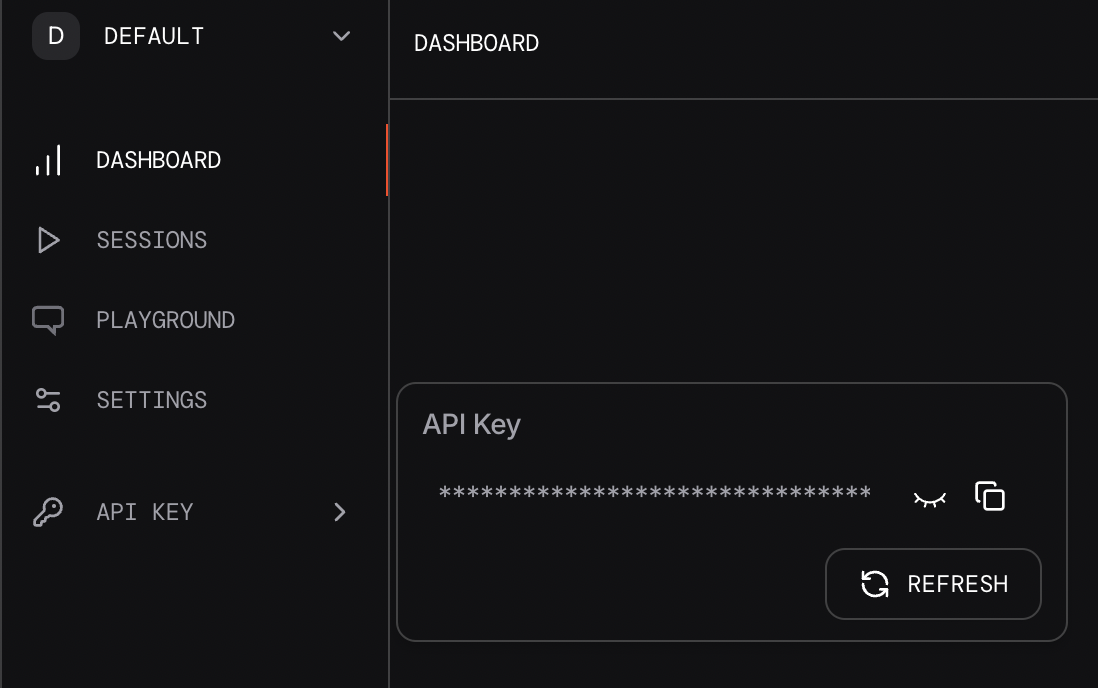
AGNO_API_KEY environment variable. You can do this by running the following command:
API Key.
- Some browsers like Safari and Brave block connection to the localhost domain. Browsers like Chrome work great with
ag setup.