

- A FastAPI server for serving Agents, Teams and Workflows.
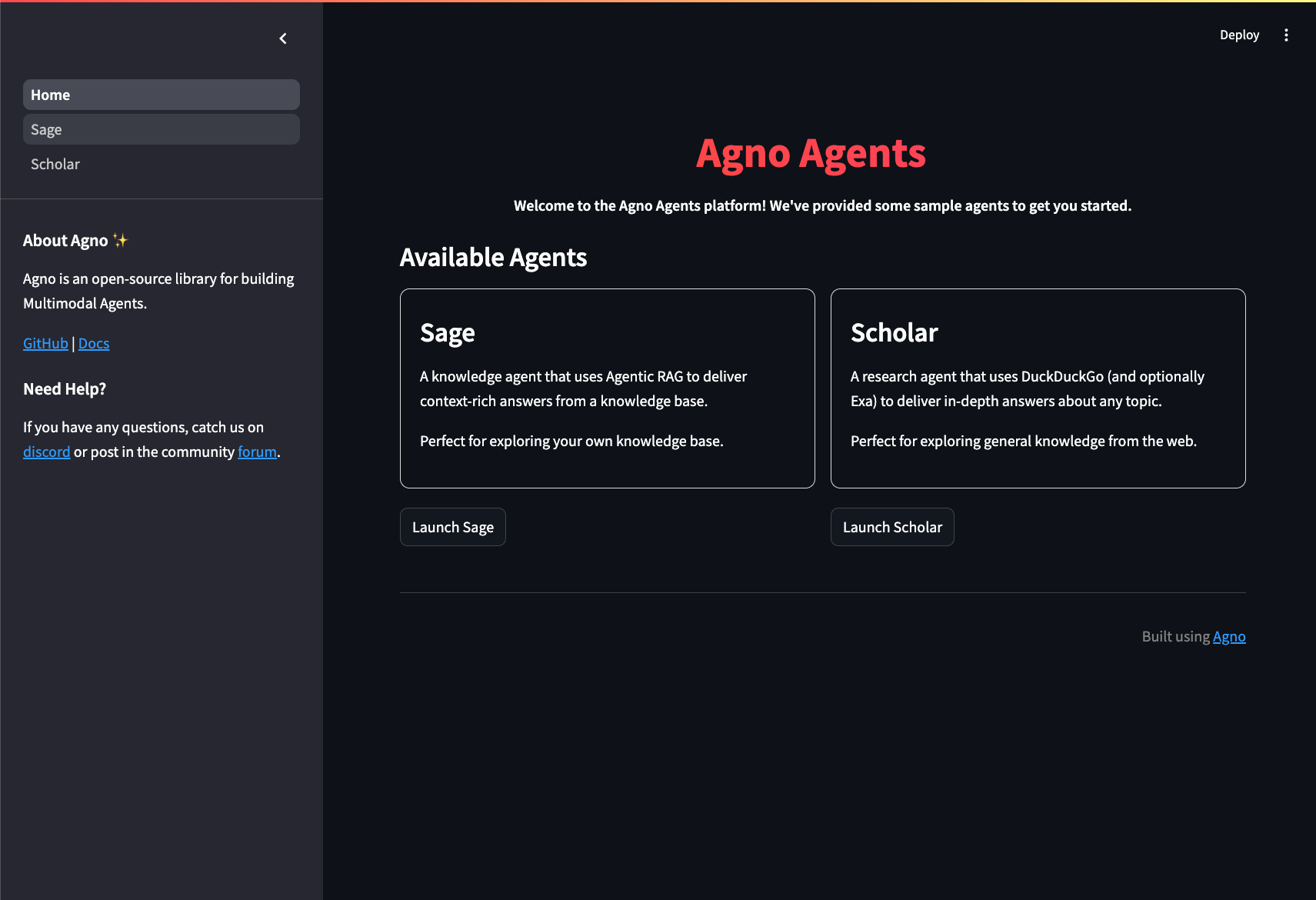
- A streamlit application for debugging and testing. This streamlit app is very versatile and can be used as an admin interface for the agentic system and shows all sorts of data.
- A postgres database for session and vector storage.
Setup
1
Create and activate a virtual environment
2
Install Agno
3
Install uv and docker
4
Export your OpenAI key
Create your Agent App codebase
Create your codebase using theagent-app template, give it any name you like.
agent-app with the following structure:
Run your Agent App locally
cd into the agent-app folder
- Open localhost:8501 to view the streamlit UI.
- Open localhost:8000/docs to view the FastAPI routes.
 Notes:
- The
Agentsare defined in theagentsfolder. - The streamlit apps are defined in the
uifolder - The API routes are defined in the
apifolder.
Stop local workspace
Play around and stop the workspace using:Next
Congratulations on running your AI App locally. Next Steps:- Run your Agent App on AWS
- Read how to update workspace settings
- Read how to create a git repository for your workspace
- Read how to manage the development application
- Read how to format and validate your code
- Read how to add python libraries
- Chat with us on discord